PRIOCOM MULTIDESK

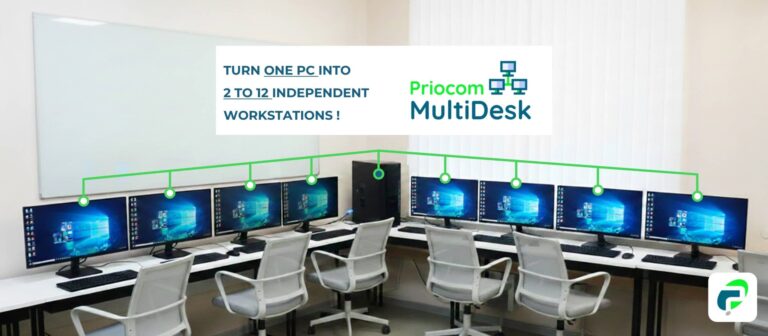
One PC, Multiple Users, Independent WorkDesks.

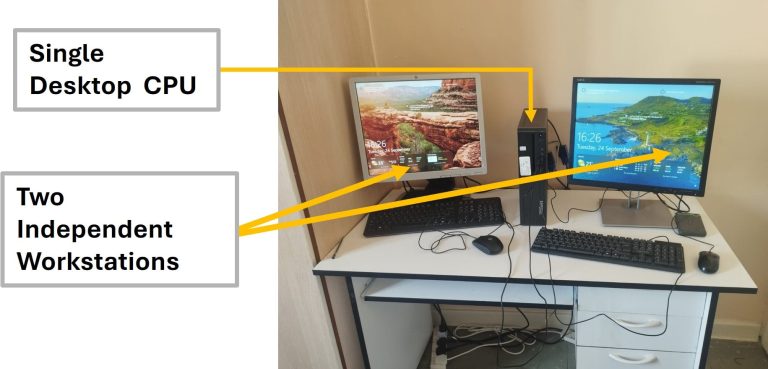
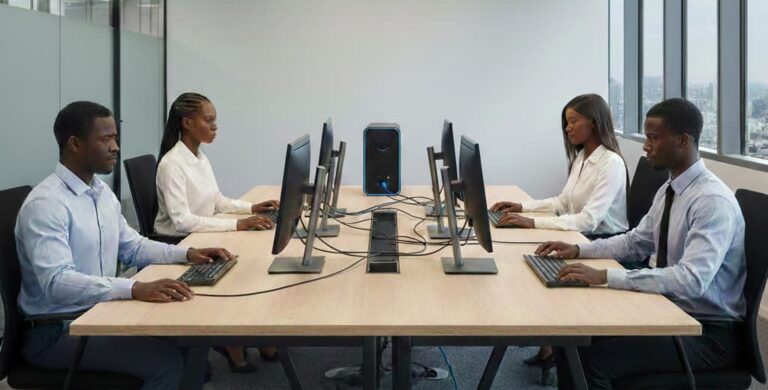
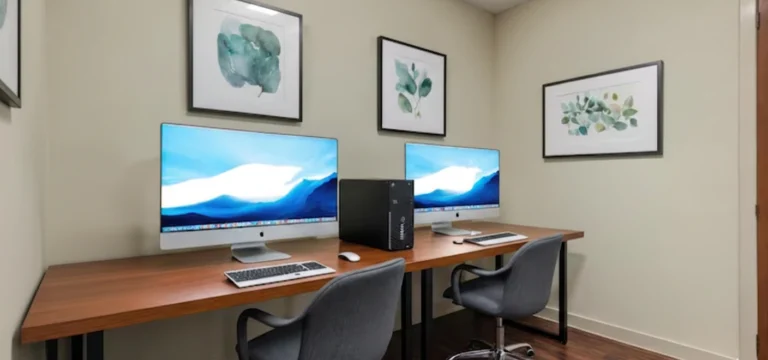
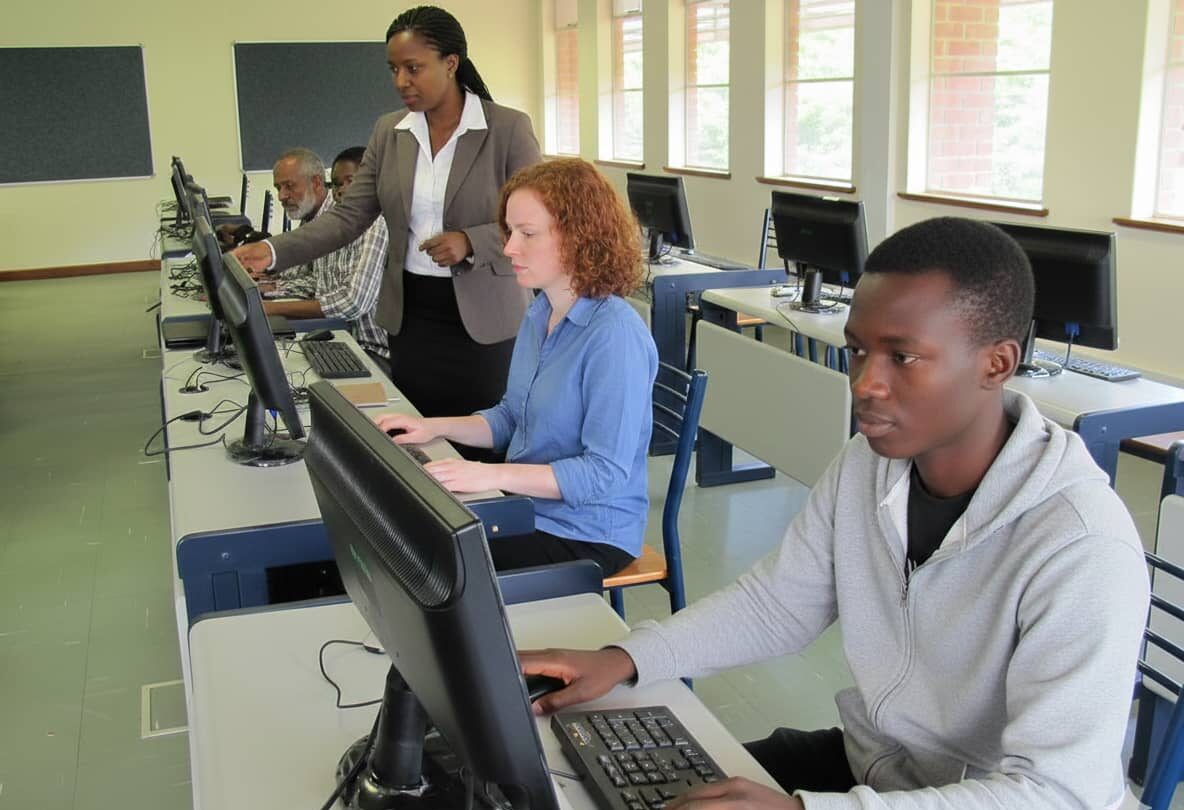
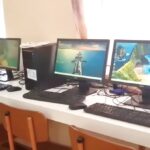
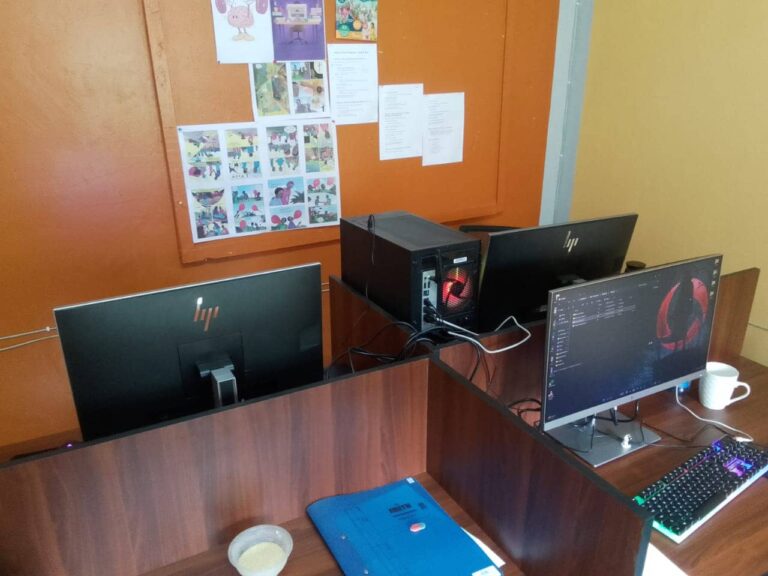
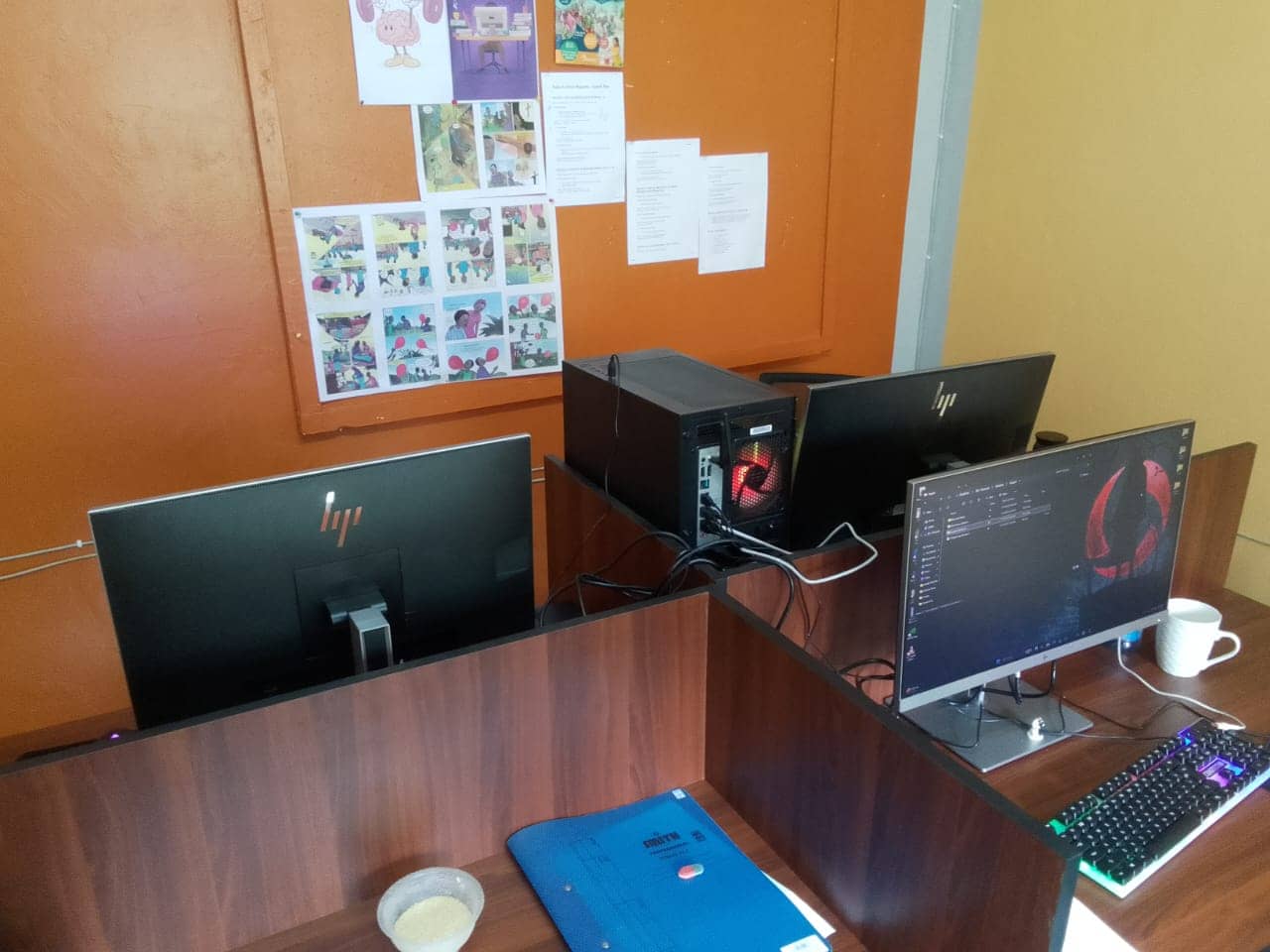
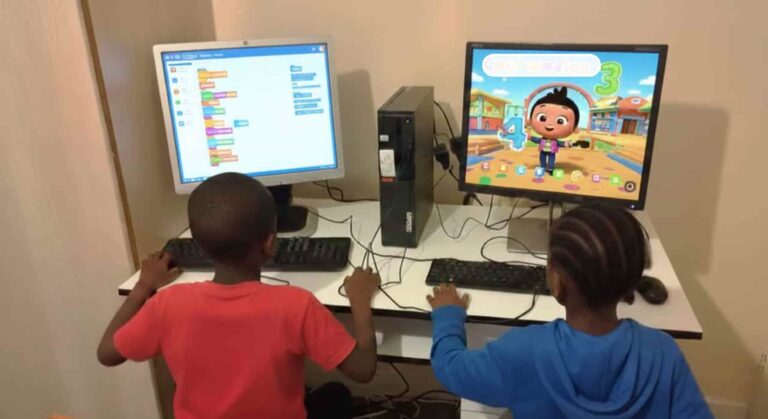
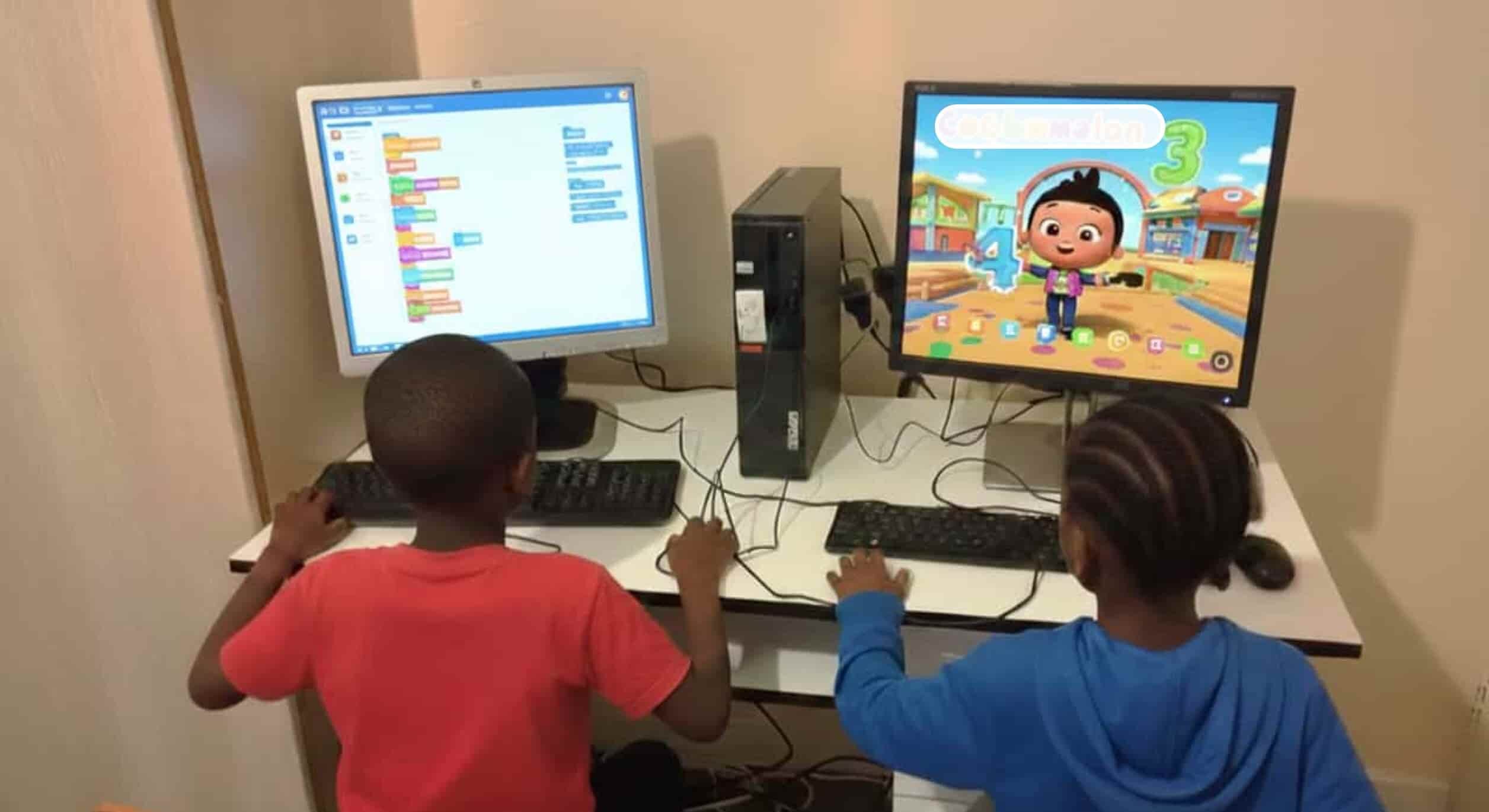
MultiDesk in action. 1 PC, multiple workstations
Transform a single CPU into multiple workstations. Slash hardware costs by 70% while maximizing office efficiency and reducing maintenance overheads.
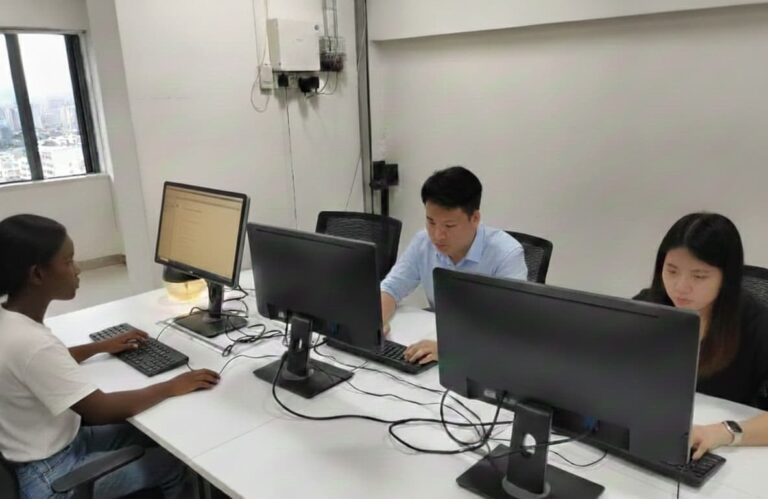
MultiDesk in action. 1 PC, multiple workstations

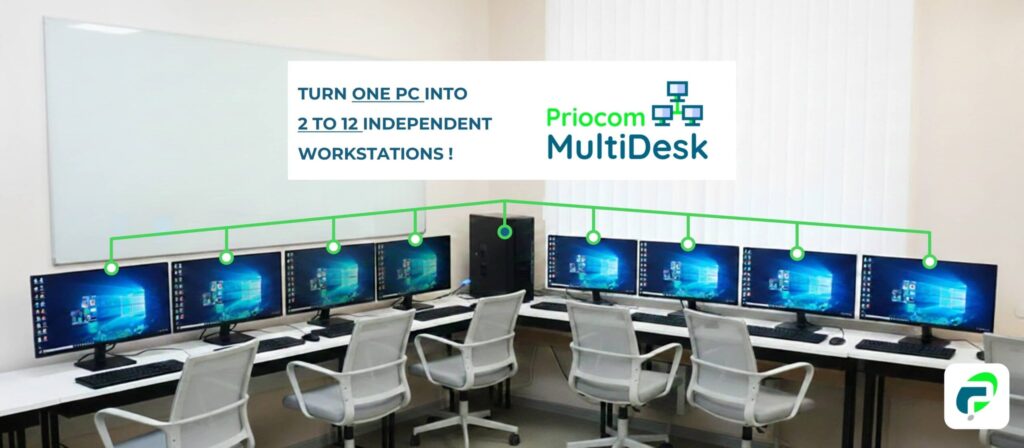
Priocom MultiDesk from Aster turns one PC into many workstations. Perfect for labs, libraries, offices, and even gaming setups.

Why invest in 10 machines when 2 or 3 can get the job done? Priocom MultiDesk utilizes MultiSeat software that lets you do more with less, freeing up your resources to focus on what matters most: growing your business.

Priocom MultiDesk from Aster turns one PC into many workstations. Perfect for computer labs, libraries and offices.
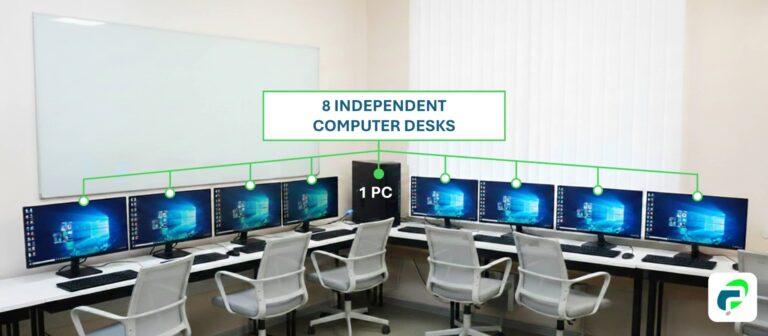
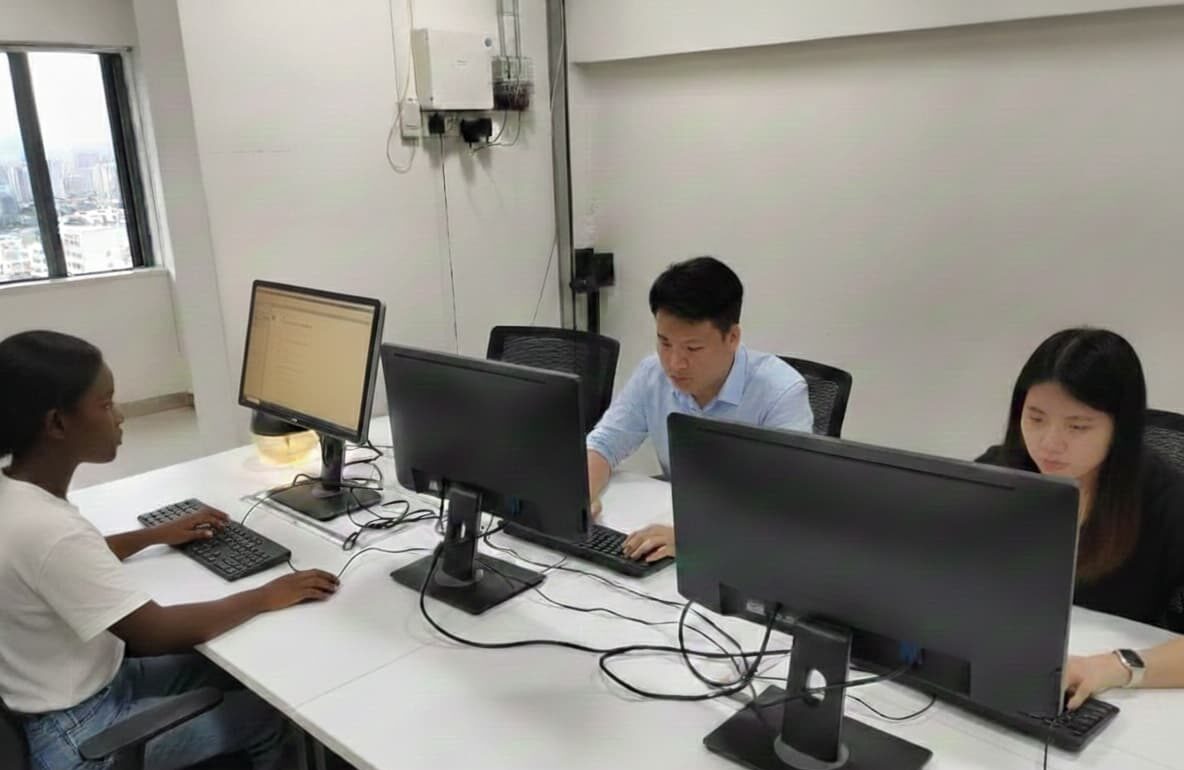
MultiDesk in action. 1 PC, multiple workstations

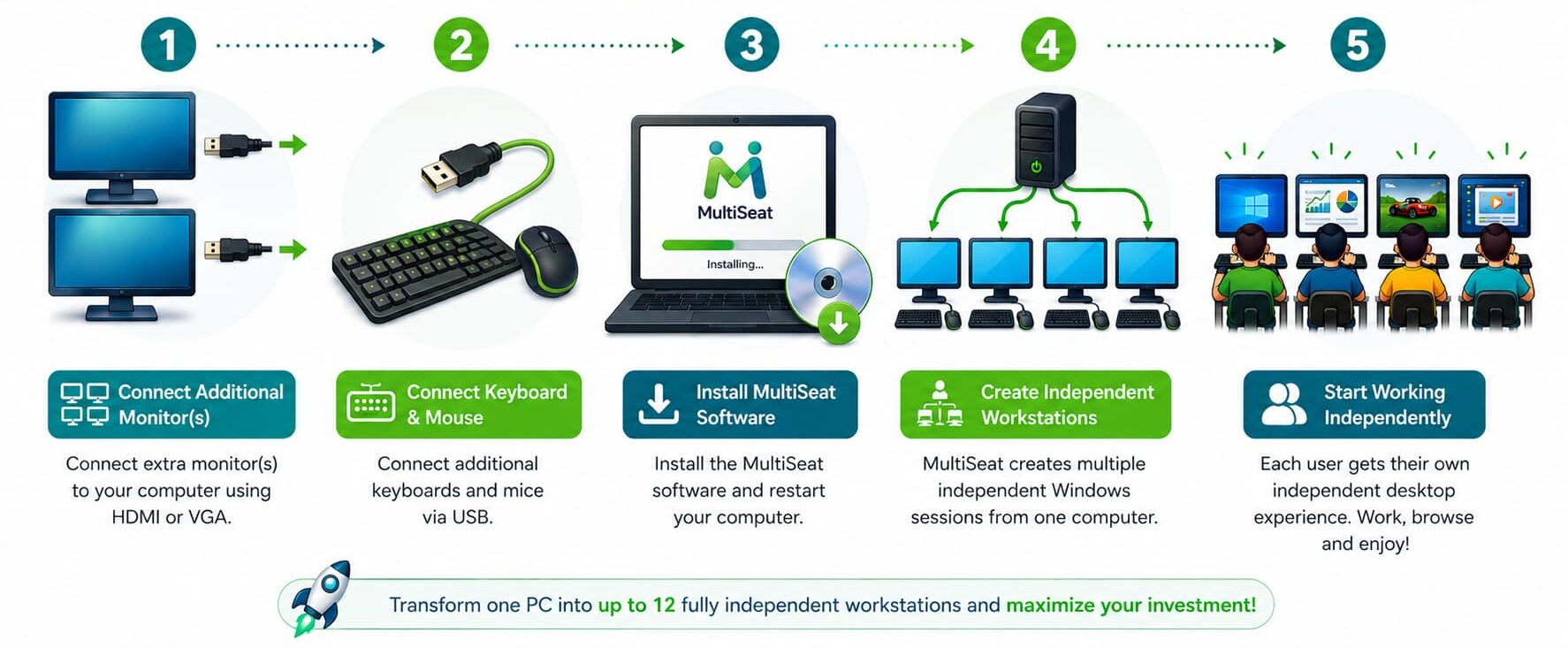
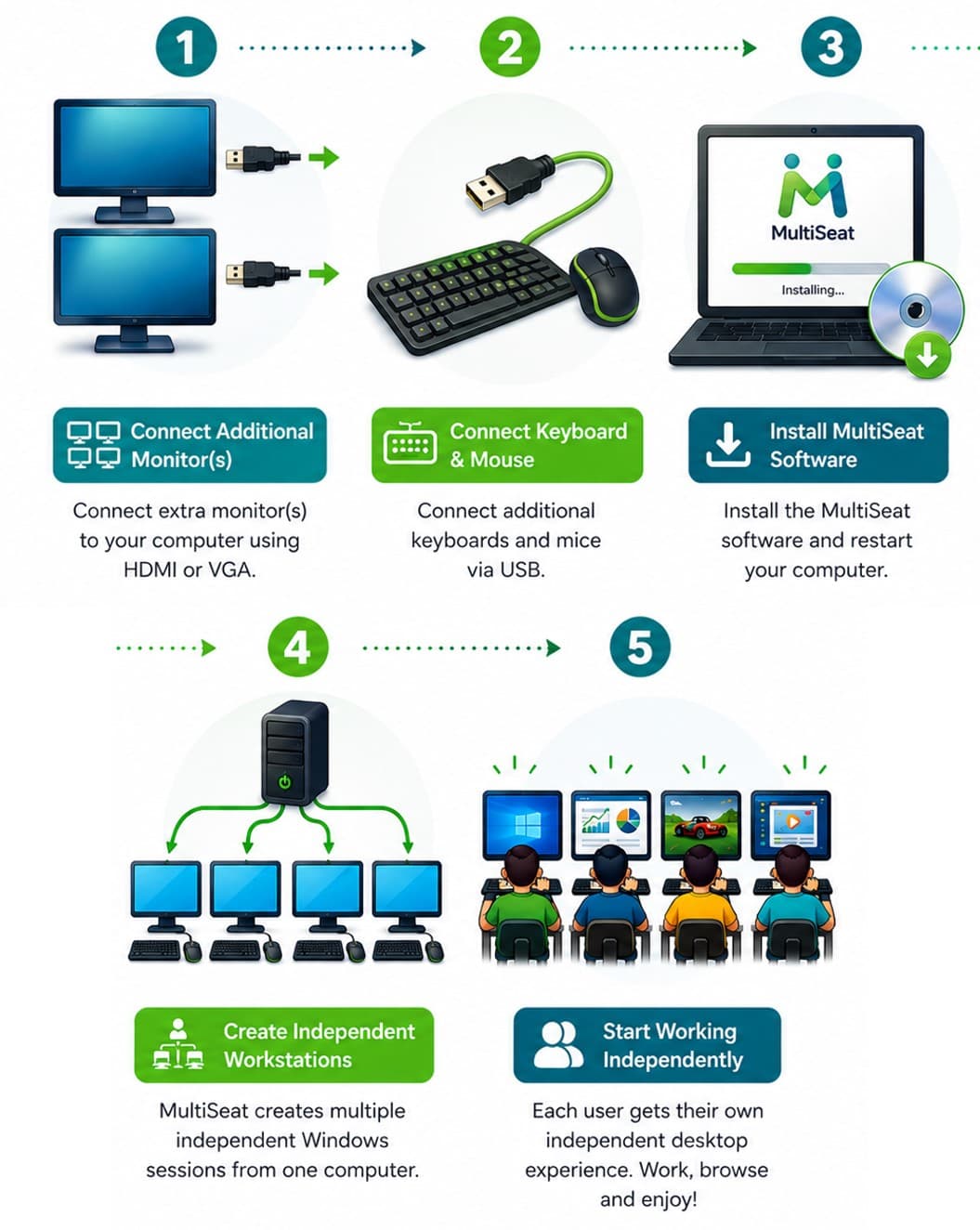
Easy Setup. Get started in minutes.

Image-of-multidesk-in-action

Easy Setup. Get started in minutes.

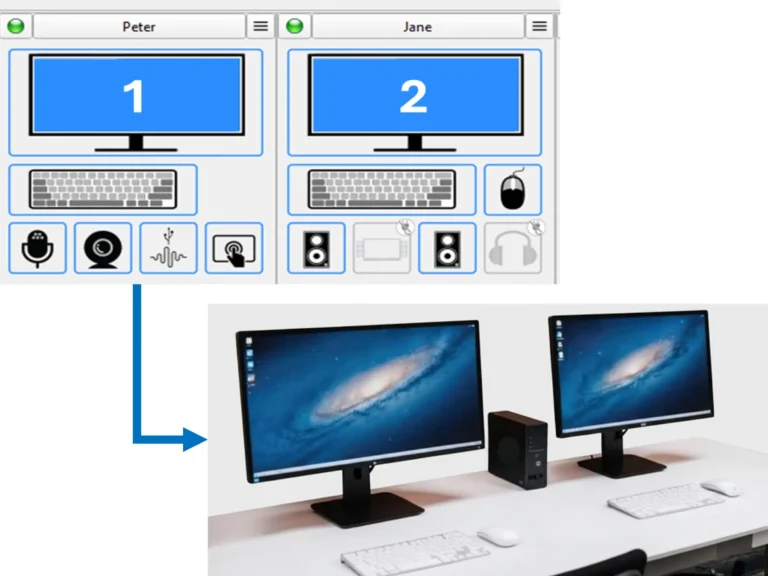
Set up a new WorkDesk by simply adding a monitor, keyboard, and mouse to your PC. Monitors connect via VGA, HDMI, or USB, with optional peripherals like speakers or gamepads.

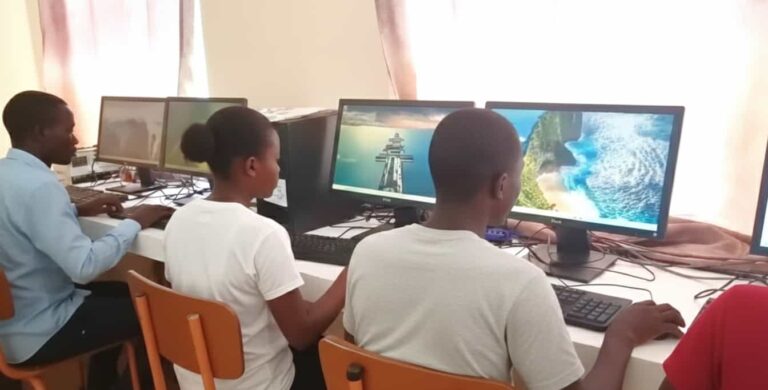
One PC, independent WorkDesks.

Upon installation and activation, Priocom MultiDesk allocates each user their own independent desktop, effectively enabling simultaneous and independent use akin to individual PCs.

One PC, independent WorkDesks.

How It Works

Setting up Priocom MultiDesk is simple. No complex hardware required. 

1. Install

Download and install the software on your main host PC.

2. Connect​ Peripherals

Plug in additional monitors, keyboards, and mice via USB or video hubs

3. Assign Users

Use our intuitive dashboard to drag-and-drop hardware to specific virtual workstations.

4. Run

That's it! Your single PC is now a multi-user powerhouse ready for work.

1. Install

Download and install the software on your main host PC.

2. Connect​ Peripherals

Plug in additional monitors, keyboards, and mice via USB or video hubs

3. Assign Users

Use our intuitive dashboard to drag-and-drop hardware to specific virtual workstations.

4. Run

That's it! Your single PC is now a multi-user powerhouse ready for work.

1. Install

Download and install the software on your main host PC.

2. Connect​ Peripherals

Plug in additional monitors, keyboards, and mice via USB or video hubs

3. Assign Users

Use our intuitive dashboard to drag-and-drop hardware to specific virtual workstations.

4. Run

That's it! Your single PC is now a multi-user powerhouse ready for work.

Saving You Time and Money

Priocom MultiDesk enables multiple sectors to reduce IT costs while maximizing productivity.
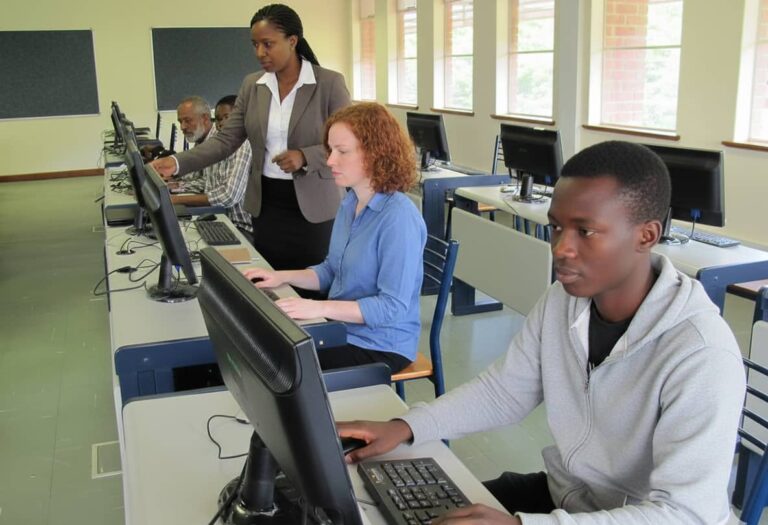
multidesk-setup-in-computer-lab

Reduce your computer lab budget by providing high-performance computing to every student without the high-performance price tag.
One master unit powers an entire row of desks, ensuring a uniform, lag-free learning environment for students of all ages.

MultiDesk-for-businesses

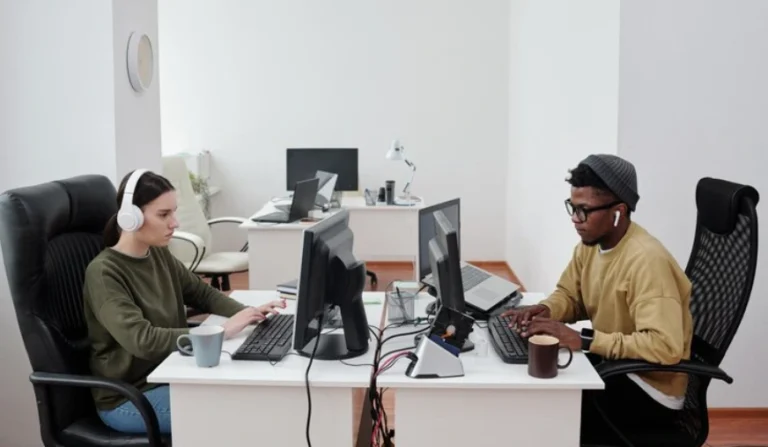
Grow your team without the logistical nightmare of setting up new workstations from scratch.
Priocom MultiDesk allows you to add new seats instantly to existing hardware, making it the perfect solution for fast-growing SMEs.

multidesk-at-startup

Scale your workforce instantly without the overhead of new hardware or complex networking.
Priocom MultiDesk allows you to add new seats instantly to existing hardware.

multidesk-call-center-lady-smiling

Rapidly deploy agent stations with minimal physical and power infrastructure

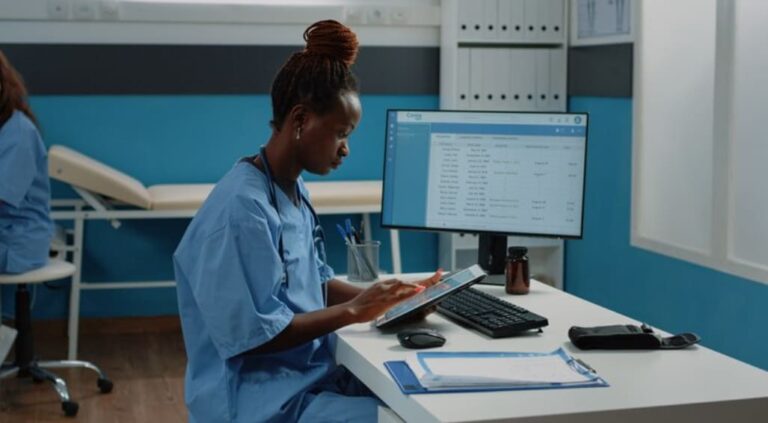
multidesk-in-hospital

Maintain high hygiene standards by reducing the number of PC towers that collect dust and bacteria.
Perfect for nurse stations and consultation rooms where space is limited and easy sanitization is a clinical priority.

An-image-of-Priocom_MultiDesk-in-Office

Centralize sensitive data on a single machine for easier protection and compliance.

an-image-of-multidesk-at-home

One PC, Every Family Member Connected.
Transform your family’s single computer into a high-speed digital hub for up to 12 independent users. Eliminate the "screen-time struggle" by allowing everyone to study, work, or play simultaneously without the cost of buying multiple expensive PCs.

See MultiDesk in action:
Transforming one pc into two independent workstations!

Frequently Asked Questions

What is the maximum number of workspaces I can connect to a single PC?

Priocom MultiDesk supports up to 6 independent workspaces from a single system license, which can be combined to form 12. The actual number depends on the processing power of your CPU and the number of video outputs available on your graphics cards

Lag is generally not an issue with modern multi-core processors. Because the software does not use “Thin Clients” or network protocols (it uses the direct power of the Motherboard/GPU), performance is nearly identical to a standalone PC. As long as your hardware meets the combined requirements of the users, the experience remains fluid.

A single system unit consumes significantly less power than 5 or 10 separate towers. You reduce electricity consumption by up to 80%, as you are only powering one CPU, one motherboard, and one hard drive instead of a dozen.

Every user has a completely independent desktop. User A can be coding, User B can be watching a 4K video, and User C can be processing payroll, all without interfering with each other.

No. You can use a standard high-end Desktop PC running Windows 10 or 11. You simply need enough video ports (for monitors) and USB ports (for keyboards/mice) to accommodate the number of users.

MultiDesk is solving problems like yours.
Real solutions, real impact!

See how our MultiDesk deployments helped organizations create more computer desks using fewer computers.
College Computer Lab: 12 PCs powering 24 students
Priocom-MultiDesk-in-ICT-hub
"MultiDesk allowed us to expand our training capacity without increasing equipment costs.

Each computer now supports two students independently, helping us train more learners per class while maintaining a smooth learning experience."
Priocom-MultiDesk-in-ICT-hub
Moses K.
IT Manager, Technical College
An image of Priocom MultiDesk in factory
"MultiDesk helped us streamline our production reporting and monitoring processes.

Three staff members can now access systems simultaneously from one PC, improving efficiency while reducing hardware costs and maintenance."
An image of Priocom MultiDesk in factory
A. Sung
Owner, Solar Solutions Manufacturer
MultiDesk-in-community-hub
"MultiDesk helped us expand our community ICT hub from 12 computers to 48 computer desks. We can now train more youth and community members at the same time without buying additional PCs. 

Additionally, with Priocom MultiDesk I was able to save on software operational costs. One software (especially antiviruses) license can now serve more users at one go.

It has greatly increased our impact while keeping costs manageable."
Image-of-priocom-multidesk-in-a-community-hub
D. Mbugua
Chief Executive Officer, Youth Empowerment NGO
An-image-of-multidesk-in-office-printing-press
"We originally planned to buy three separate PCs for our printing press, but they would have been low-performance machines. Instead, we invested in one powerful computer and used MultiDesk.

Today, three staff members run design, printing, and office tasks at the same time with speed and reliability.

MultiDesk really helped us boost productivity while significantly reducing hardware costs."
An-image-of-multidesk-in-office-printing-press
Rodgers M.
Operations Manager, Printing Press
Installation-Multidesk-at-home
"Before MultiDesk, my children had to take turns using the computer for homework. Now both of them can study at the same time on one PC. It has improved their learning routine and saved us from buying another computer.

Now each of them can do their own thing and I can have peace!"
Installation-Multidesk-at-home
A. Maina
Parent, Mother of Three
"With Priocom MultiDesk I was able to save on software operational costs for my clients. One software (especially antiviruses) license can now serve more users at one go organization"
D. Mbugua
Managing Director, ICT company
"Priocom MultiDesk enabled us to use less PCs and spread the cost in buying newer computers; we have been having a problem of buying low cost computers that get obsolete after every few years."
M. Mwangi
Owner, Secondary School
"Priocom MultiDesk eliminated the issue of insufficient workstations when teams expand/contract as per project scope. We can now add or remove workstations as team count dictates without buying or disposing computers."
M. Mobae
ICT officer, Engineering Consultancy Firm
"Priocom MultiDesk gave me peace of mind. I was able to easily expand my team by just utilizing the same computer. Setting up a new employee was a breeze. It's like magic."
J. Otieno
Owner, Travel Agency
"With Priocom MultiDesk, we can share the same software stack among the team, significantly reducing the hassle of setting up new workstations and installing software all over again. The cost savings enabled us purchase powerful PCs, so sharing capacity between two users was no issue."
C. Mutua
Founder, Tech Startup
"We had one computer at home that my children would always fight about. Now with Priocom MultiDesk each child can do their own thing and I can live in peace!"
Anne Maina
Parent, Mother of Three

Ready To Optimise Your Workspace ?​

Join 500+ organizations saving thousands every month on hardware and energy costs.